How to Get a Surf Alert That Knows Clean Swell From Blown-Out Mush
Why “waves above 1.5 m” alarms send you to junk surf, what period, wind and swell direction add, and how to set up a surf alert that fires only when your break works.
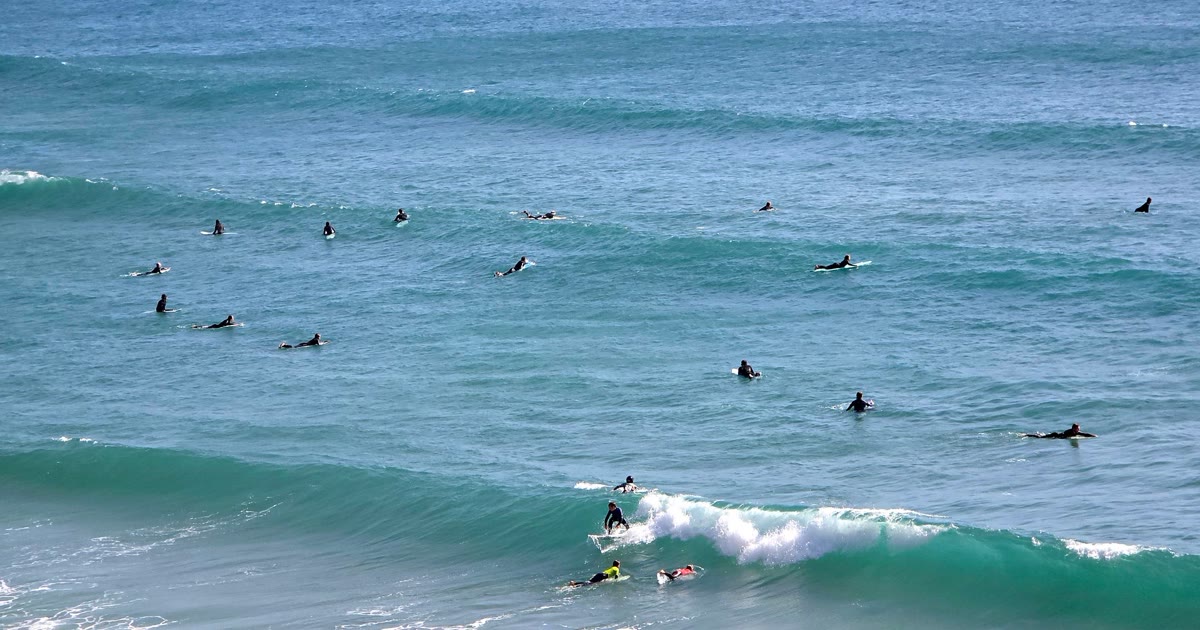
The alarm goes off at 05:40. The surf app pinged you last night — “Waves above 1.5 m tomorrow” — so you load the board in the dark, drive 50 minutes and walk down to the beach as the light comes up. It’s 1.8 m, as promised. It’s also 6 seconds apart, stacked on top of each other, with 15 kt onshore tearing the tops off. You watch for ten minutes and drive home.
A surf alert should answer one question: is my break worth paddling out at tomorrow? Wave height alone can’t answer it. This guide covers why height alarms send you to junk surf, what a good session actually needs, and how to set up a surf alert that stays quiet until your break works.
Why “waves above 1.5 m” lets you down
A wave height is one number. A good session is that number arriving with the right period, from the right direction, under the right wind, at the right tide. A height alarm watches only the first:
- Period. 1.5 m at 12 s is a groundswell — organised lines, real power, sets with lulls between them. 1.5 m at 6 s is wind swell — short, weak, lumpy. Same height, different sport.
- Wind against the shore. Light offshore holds the face up and grooms it. The same speed onshore turns it to mush. A height alarm can’t tell offshore from onshore, because it doesn’t look at the wind at all.
- Swell direction. A west-facing beach can sit flat on a 2 m north swell that lights up the next bay along. Your spot has a swell window; the alarm doesn’t know it.
- Tide. Plenty of reefs and banks only work on part of the cycle. A perfect swell on the wrong tide can be a closeout or nothing at all (see Tides for Surfers).
- Hours. 1.8 m at 15:00 is no use if the wind turns onshore at noon and you can only surf before work.
Set the threshold low and it wakes you for every wind-chop morning; set it high and it misses the clean 1 m day that was the best surf of the month.
What makes a surf day worth it
This is the check experienced surfers run the evening before:
| Ingredient | Why it matters | What to look for |
|---|---|---|
| Height | Enough to break properly at your spot, not more than you can handle | Inside your range for this spot and this board |
| Period | Longer period means more organised, more powerful waves | 10 s and up is groundswell territory; under 8 s is mostly wind swell |
| Wind vs shore | Decides whether the face is clean, textured or blown out | Glassy, light offshore or light cross-shore |
| Swell direction | Decides whether the swell reaches your break at all | Inside the spot’s swell window, never its no-go direction |
| Tide | Shapes the wave on reefs and banks | Inside the phase your spot likes, where it has one |
| Hours | You can only surf when you can be there | The morning before the sea breeze, or the window you’re free |
| Duration | A 40-minute window is a gamble on a crowded peak | A run of at least 2 hours |
On most coasts the wind is the ingredient that flips fastest. A morning land breeze can sit offshore until 10:00 and then a sea breeze swings it onshore by early afternoon, on the same swell. That’s why the dawn session so often beats the one after lunch.
A scored surf alert instead of a height alarm
That’s how surf alerts work in Wavind. Each forecast hour at your spot already carries a session score for your surf profile, and an alert asks for a level of that score instead of a height:
| Choice | An hour counts when |
|---|---|
| In range | The wave height is inside the spot’s own wave range |
| Ridable | Your forecast would score it ridable or better |
| Good | … good or better (the default) |
| Excellent | … among the best hours your forecast scores |
The surf score is built the way a surfer reads a forecast:
- Height against your range. A wave just under your minimum keeps some credit — forecast heights are rough, and a spot that “needs 1 m” still breaks at 0.9 m. No waves means zero points.
- Period scales the height. A long period lifts the height score; a short one marks it down. A big, short-period wind sea doesn’t rate well on size alone. Where the local sea usually produces short periods — the Baltic, say — short-period swell gets more credit, so a good Baltic day isn’t judged against the Atlantic.
- Wind read against the shore. Under about 4 kt the water is glassy whatever the direction. Above that, onshore wind spoils the swell much sooner than cross-shore, and offshore holds it up until it’s strong enough to make paddling the problem. The shore comes from the spot’s offshore directions, or is estimated from where the swell arrives when the spot has none set.
- Swell direction and tide. Best swell directions score higher, and a swell direction the spot marks as no-go never counts in an alert, however big it is. Where the spot has a tide rule, the tide is part of the score too.
- Nothing counts without a wave. Sunshine, a good tide and no wind don’t make a flat day ridable.
So an alert means exactly what the colours on your forecast mean — the same score, with your own surf profile.
Fine-tune for your break
Under Fine-tune you can add hard floors on top of the score: Waves at least (for a reef that doesn’t start below 1.2 m) and Period at least (for a beach that only works on proper groundswell). Shortest session sets how long a run of good hours must last — 2 hours by default.
For dawn patrol, set the alert’s hours to Morning (06:00–12:00) or your own window. Hours are read at the spot, and a session running past them is cut short, not dropped.
Set it up in three steps
Alerts live in the Wavind app on iPhone and Android:
| Step | iPhone / Android |
|---|---|
| 1 | Tap your picture → Alerts → Turn on alerts |
| 2 | Tap a saved spot → Alert for this spot |
| 3 | Pick Surf and how good it has to be (Good by default) |
Surf and Both appear when the spot’s forecast has waves, so a lake gets wind alerts only. Then scroll to This week: it shows what the alert would have sent with the current forecast — each session with its day, times, swell and level — and updates as you change the settings. If the week is empty, it suggests the next level down. It’s a guide to your settings, not a promise: the forecast moves.
The briefing arrives once a day at most, about tomorrow, at the hour you pick under Settings → Notifications (18:00 by default).
Reading the briefing
A surf line gives the hours, the peak height, the period and the swell direction:
Ericeira looks good tomorrow
Ericeira · 07:00–11:00 · 1.6 m @ 12 s WNW · Good
If you also kite or wing, pick Both. You still get one alert, and each line names its sport — surf in the morning, wind once it fills in:
Ericeira · Surf · 07:00–11:00 · 1.6 m @ 12 s WNW · Good
Ericeira · Wind · 15:00–19:00 · up to 21 kts N · Good
Times are the spot’s local time, in your units. A day with nothing worth paddling out for sends nothing.
Where it matters
- Ericeira, Portugal — reef breaks that need a north-west Atlantic swell with real period. An alert on Good with a period floor filters out days with short-period wind swell.
- Praia do Guincho, Portugal — an exposed beach where the summer north wind often fills in by the afternoon. A Both alert can name a surf window in the morning and a kite window later the same day.
- Hossegor, France — beach breaks over shifting sand, where tide and wind decide more than height. A scored alert weighs all three instead of the height alone.
- The Polish Baltic — short-period surf on a handful of days, mostly in autumn and winter storms. Those short periods get more credit, so a good Baltic day counts instead of being judged against the Atlantic.
Frequently Asked Questions
Are surf alerts free?
Yes, with every option. The free plan covers an alert for one spot; Pro covers every saved spot in the same daily briefing.
Will it wake me up when the surf is pumping right now?
No. Wavind briefs you about tomorrow, the evening before, so you can plan the morning. It doesn’t send live buoy or “surf now” alerts.
Does it know offshore from onshore at my beach?
Yes. The score reads the wind against the shore for every hour. If the spot has offshore directions set, it uses them; otherwise it estimates the shore from where the swell comes from.
Can I get alerts on the website?
No. Alerts are set up in the iPhone or Android app and arrive as phone notifications. Your alert settings belong to your account, so they come back when you sign in on a new phone.
What if the swell arrives later than forecast?
The briefing uses the forecast at the time it’s sent and isn’t re-sent for the same day. Swell timing can shift by a few hours, so check the spot’s forecast in the morning before you drive.
Can one alert cover surf and kite?
Yes. Choose Both and the alert judges wind and surf separately, then sends one briefing with a line for each sport that works.
How Wavind helps
On a surf day the wave forecast is half the story; the wind decides whether that swell arrives clean or blown out, and weather models often disagree on when a sea breeze turns onshore. Wavind shows the wave forecast beside the wind from several weather models — GFS, ICON, AROME and more — so you can check whether they agree on an offshore morning before you set the alarm.
The feature doing the work is the session score: height, period, swell direction, tide and the wind against the shore, scored for your surf profile, hour by hour. A surf alert is that score delivered the evening before. See everything alerts can do on the wind alerts page, or how kiters use them in How to Get a Wind Alert for Your Kite Spot.
Want one message the evening before your break works? Get Wavind, save the spot and turn on a Surf alert.